User groups
Assuming you are on the Eomm back-end system, locate "Groups" option under "User" menu tab. The following screen contents should look as below.
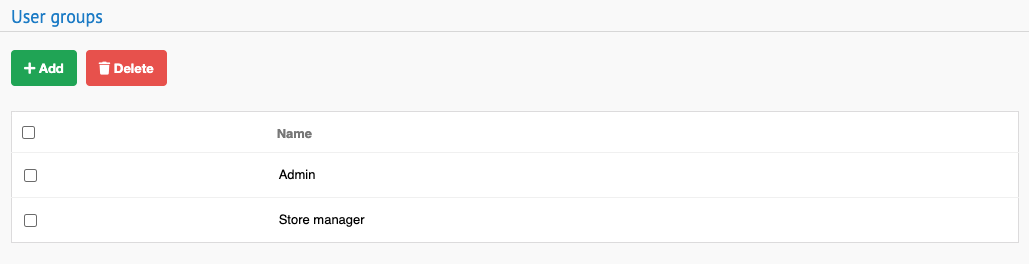
The offered options are to ADD and DELETE user groups.
By clicking "Add" button, editing page opens up. User is required to input a mandatory parameter "Name". Confirm the creation by clicking "Save and continue editing" button.
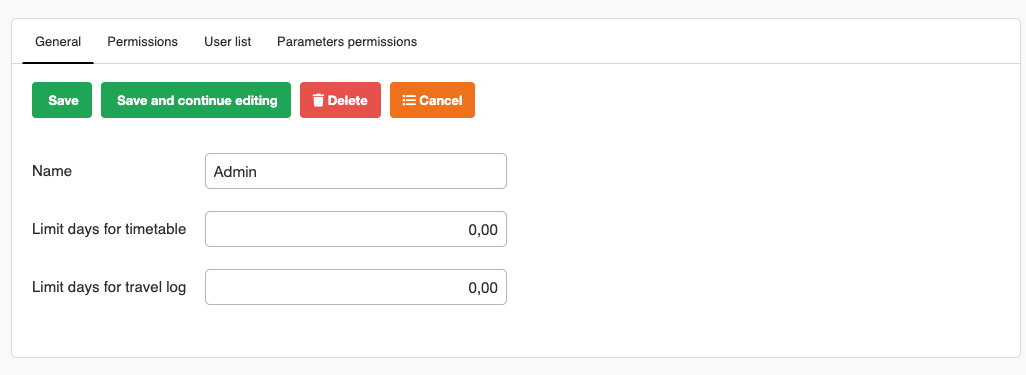
Event spawns additional tabs "Permissions", "User List", "Parameters permissions".
Check "Permissions" tab functionality here :
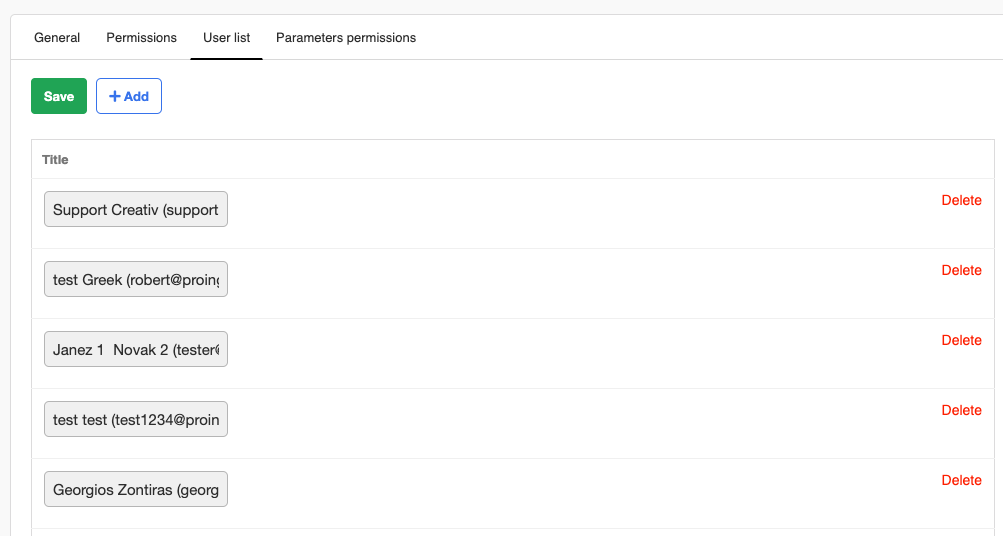
"User list" tab allows to assign certain users into created group and delete them aswell.
"Parameters permissions" tab provides the ability to assign permissions for various features to created group.

On the home page of "Groups" menu option, there is DELETE button. before the button is clicked, check the user group/s to be deleted. Event removes selections from table.